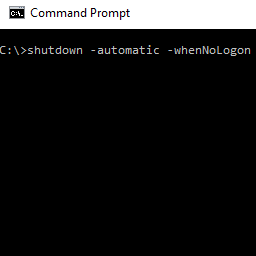
Automatic Shutdown If No One Logs In
Ok, here is my situation.
Once I’m done using my home PC for the day, I shutdown my Windows 10 PC as I normally would from the Start menu. The next morning, while I’m away at work, my son comes along, presses a few keys on my keyboard, and my PC switches on back to life. My PC remains on for the whole day until I come back home from work.
Sounds familiar? Well, that is what I faced, and I was looking for an automated solution: once my PC turns on, wait for several minutes, then check if someone is logged in. If no one is logged in, shutdown the PC. And here is what I finally ended up with.
I wanted something which will work and log what happens as well. And being that PowerShell is sort of the “replacement” of VBS and CMD files, this would be in PowerShell as well.
First things first, how do i detect if someone is logged in to the machine? Turns out, this can be quite complicated. The first Google link I found was on the Spiceworks Forum. That did not work. Then I tried a few more links. All seemed far too complicated, although it would eventually work. I think.